
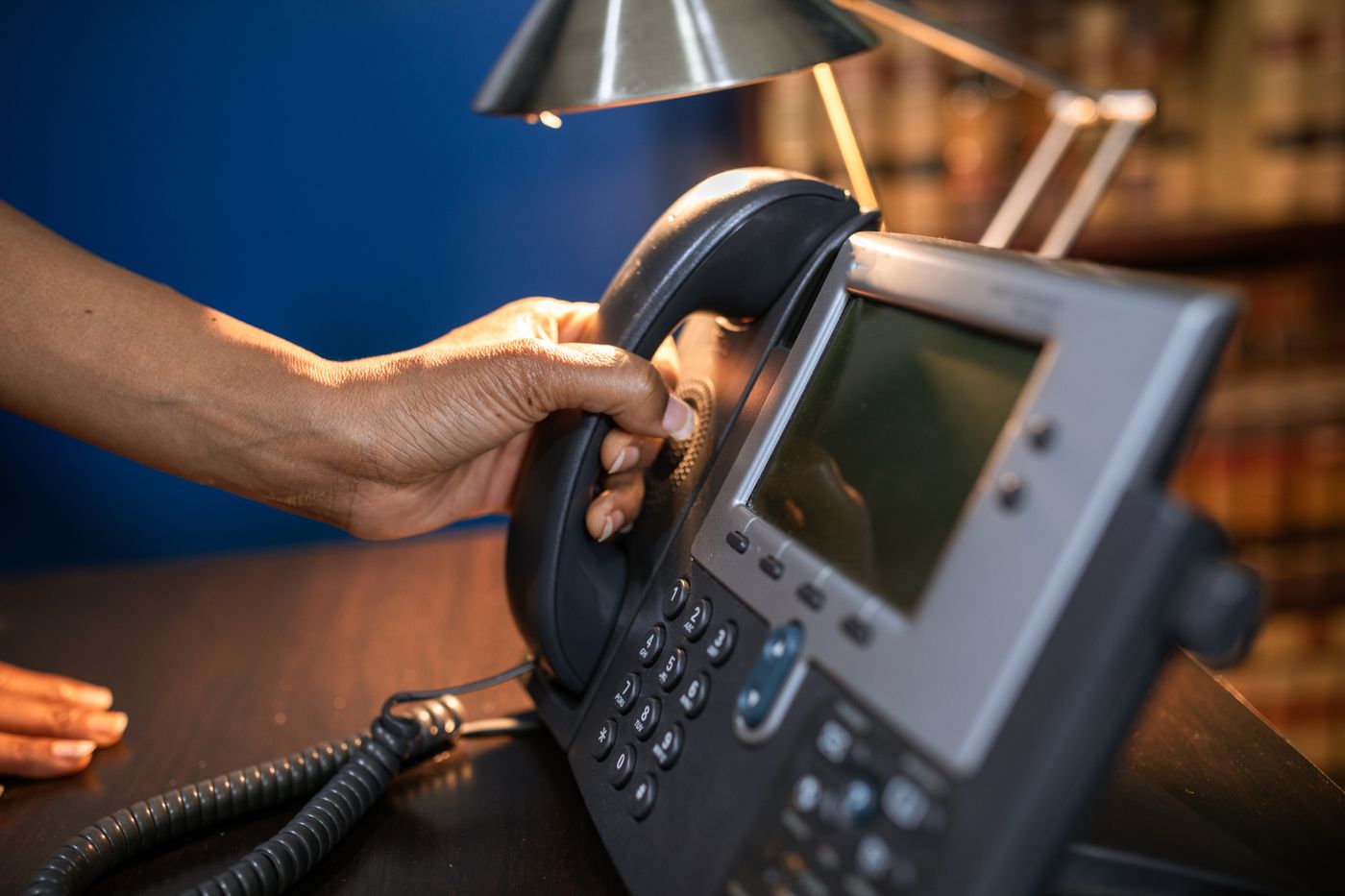
CLOUD PHONE SYSTEMS
VoIP & Cloud Phone Systems for Business
Cloud-based phone systems for small and mid-sized businesses, set up, wired and configured for your team. No phone server to maintain on site.
Phones That Work the Way Your Team Does
A cloud phone system routes calls to the right person, follows staff on their mobiles and keeps your business numbers.
- Auto-attendant and call routing
- Answer on desk phones or mobiles
- Keep your existing numbers
What We Set Up
Cloud Phone Systems
A hosted phone system in the cloud, with no phone server to buy or maintain.
Desk & Mobile Phones
IP desk phones plus apps for staff on the go.
Call Routing
Auto-attendant, ring groups and after-hours rules.
Voicemail to Email
Messages delivered straight to your inbox.
Cabling & PoE
Phones wired and powered from your network.
Number Porting
Keep your existing business numbers.
Who It Is For
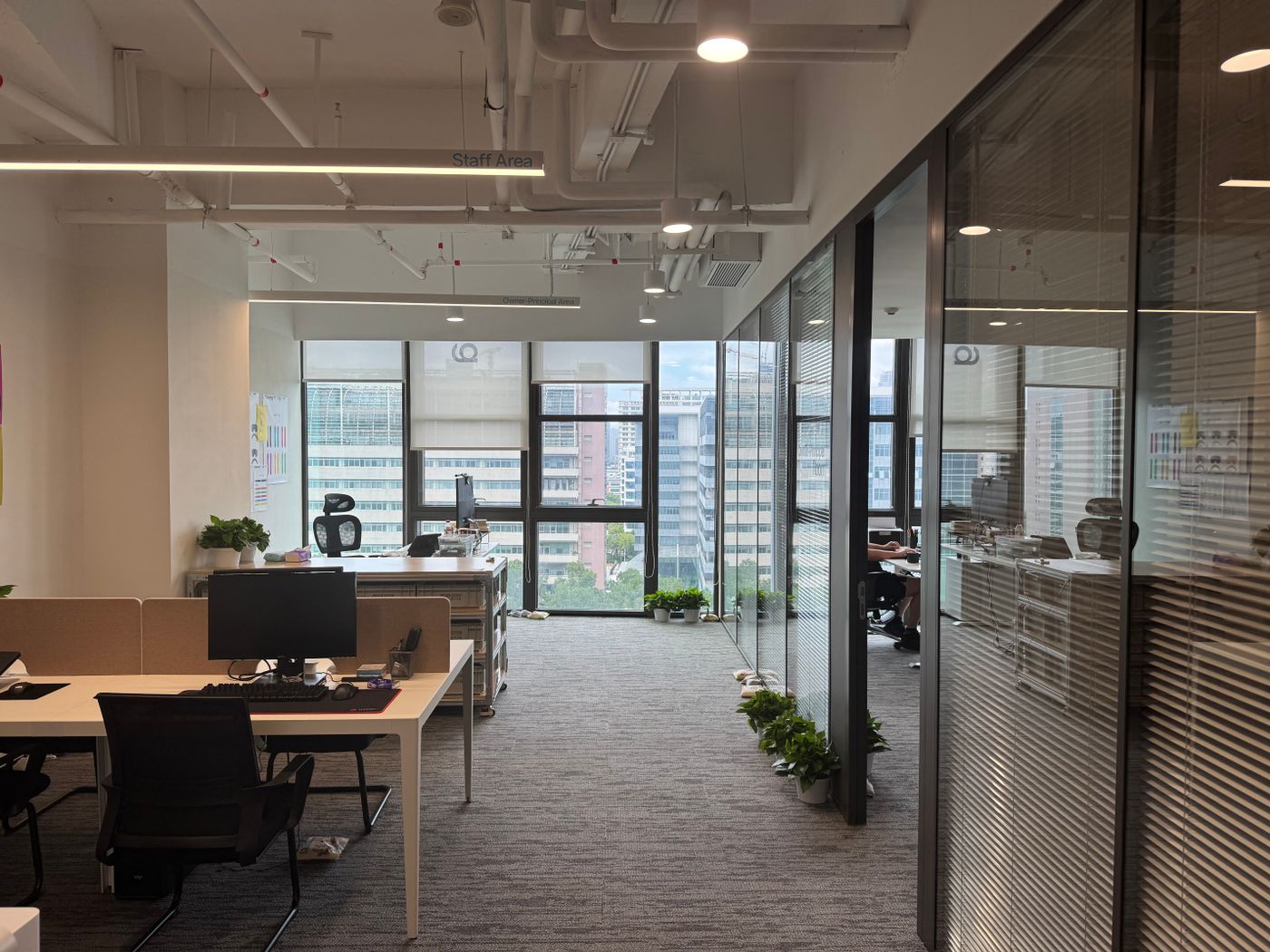
Offices & Professional Firms
Reception, transfers and extensions.
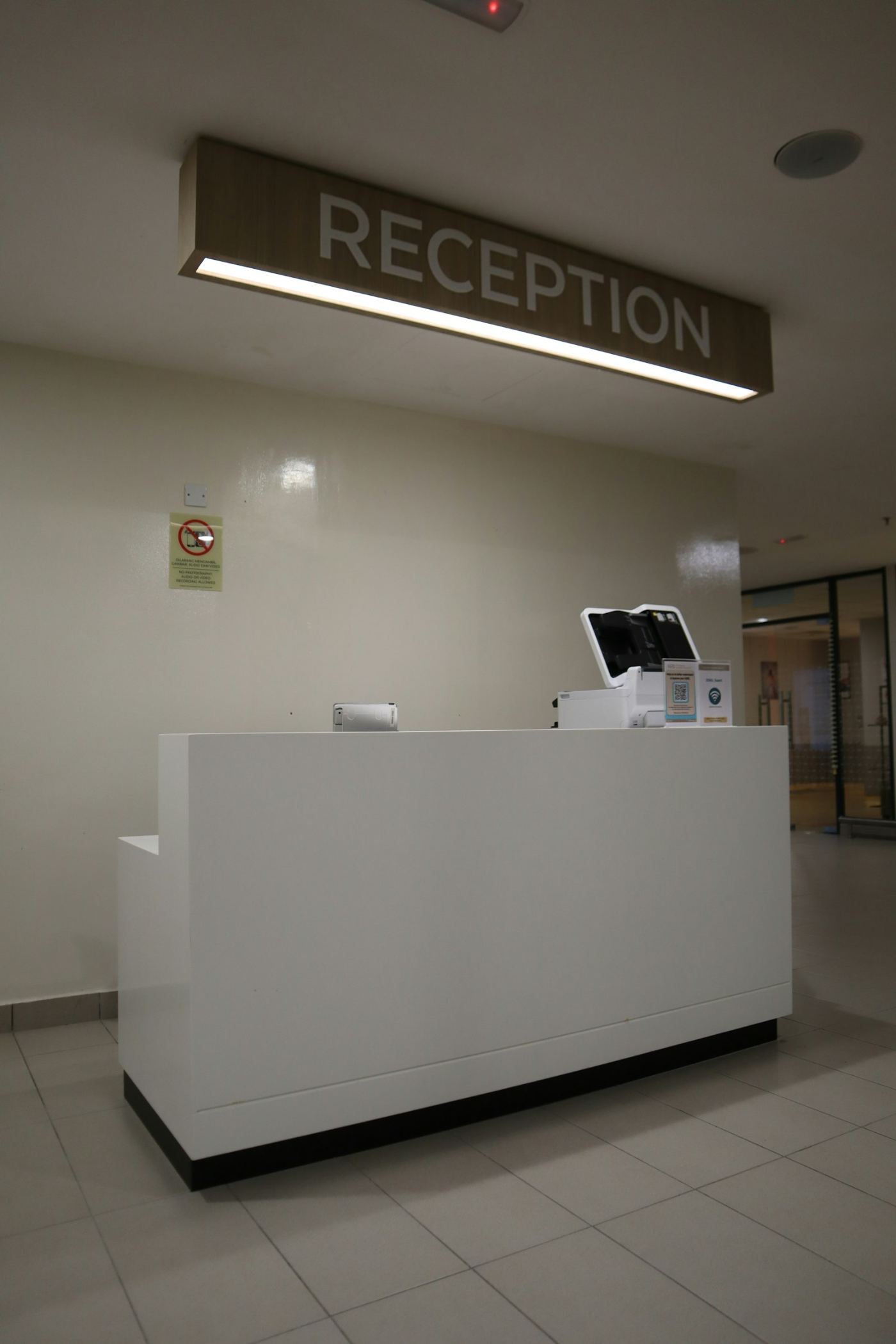
Clinics
Appointment lines and after-hours messages.

Multi-Location Businesses
One phone system across sites.
Phone Systems for Small Business
A VoIP phone system gives a small team the features of a big office, without the big phone box in the back room.
Right-Sized for Small Teams
Whether you have 3 phones or 50, we set up a VoIP phone system that fits today and grows with you. Add or remove users any time.
- No phone server (PBX) to buy for your office
- Keep your existing business number
- Add users as you hire
Cloud Phone System
Your phone system runs in the cloud, so calls reach your team at the desk, at home or on the road.
- Desk phones, mobile app and computer
- Calls follow you anywhere
- One system for every location
Set Up and Supported Locally
We choose the right phones, run the cabling and PoE, move your numbers, build your call menus and train your staff.
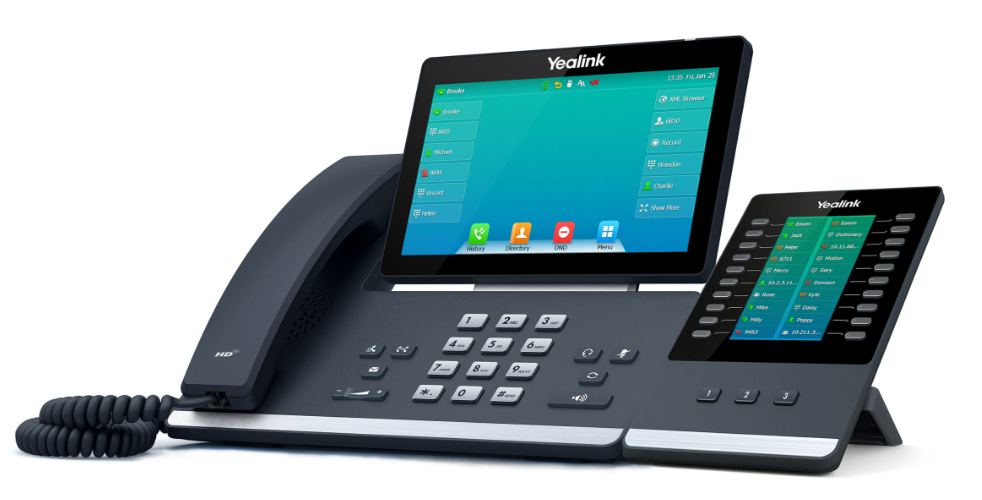
- Large-screen Yealink desk phones
- Auto-attendant and call routing
- Support after install
How It Works
A simple, transparent process, from your first call to a fully working system.
Talk to an Expert
Call or send a request and tell us about your site.
Free Site Survey
We visit, assess coverage, doors and cabling, and plan the system.
Fixed Written Quote
A clear, itemised price. No surprises.
Install & Handover
Most installs start the same week. We test everything and train your team.
Frequently Asked Questions
Quick answers to common questions.
Can we keep our phone numbers?
Yes. Numbers can usually be moved to the new system.
Do we need new phones?
Not always. We check whether your current phones are compatible.
Can we answer calls on our mobiles?
Yes. Calls can ring desk phones, mobiles or both.
Do you set up auto-attendant menus?
Yes. We set up greetings, menus and call routing so calls reach the right person.
Do we need a phone server in our office?
No. The system is hosted in the cloud, so you only need phones, an internet connection and your network.
What is the difference between VoIP and a cloud phone system?
VoIP means your calls travel over the internet instead of old phone lines. A cloud phone system is a VoIP system where the phone server is hosted online, so there is no equipment to maintain in your office. The phone systems we set up are cloud-based VoIP.
Is a VoIP phone system good for a small business?
Yes. It usually costs less than traditional phone lines, needs no phone server on site, and gives small teams features like call menus, voicemail to email and calls on your mobile.
Ready to Get Started?
Book a free on-site survey and get a fixed written quote.
✓ Licensed & insured · ★ 5.0 on Google · ✓ Support after install